v26.11.0Payroll Speed-Up: Over 50% Less Calculation Time
RELEASED8 November 2026|11 new · 7 improved · 17 fixed
New
- The Attachment section in an Employee Profile now has a Create button, so a file can be added with details filled in — an attachment type, a note, an eligible date, an admin-only flag and a payroll-related flag — instead of drag-and-drop only. Attachment types are managed from Settings.
- Employee numbers can now be generated automatically when a profile is created, using a prefix and a chosen number of digits set per company in System Parameter. It is off by default, so nothing changes unless you switch it on.
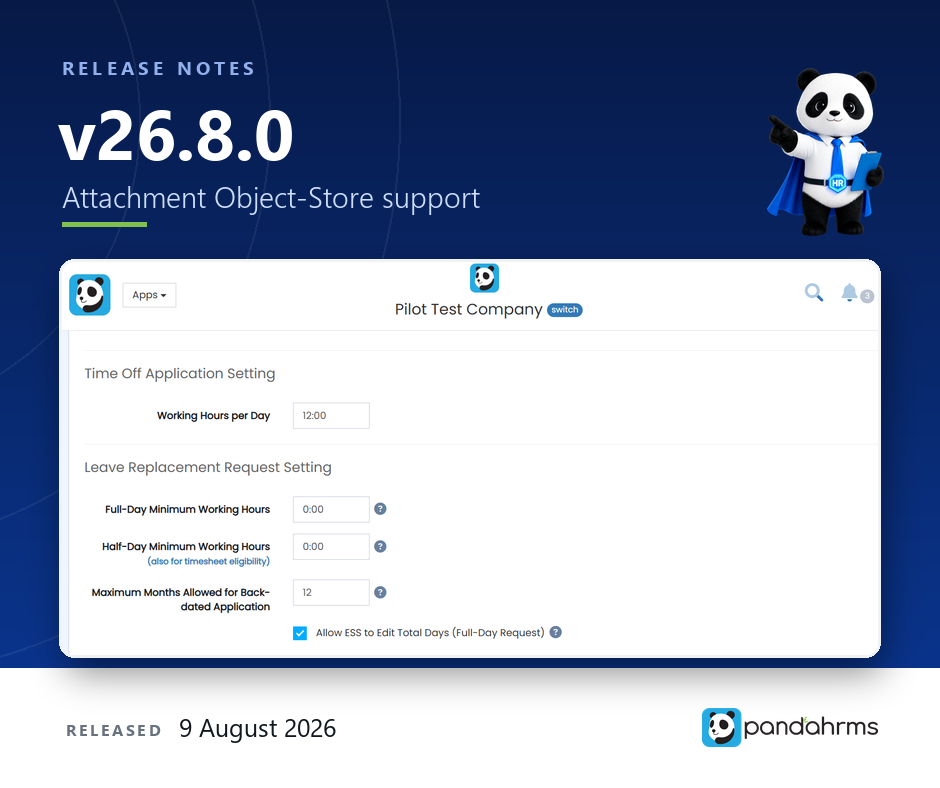
- Overtime applications now have an optional Remarks field (up to 300 characters), so an employee can note which project or task the overtime is for, alongside the usual OT reason.
- A remark entered on an Express Entry can now be shown on the employee's payslip, through a dedicated user-remark field kept separate from the system's internal tags.
- The Employee Profile import (Data Management) now includes three more columns — Employee Group, Route Setting Group and Tax Resident — so these can be set in bulk from the import file.
- HR → Employee Card now has Download Template and Import, so card numbers for many employees can be added or changed from one Excel file instead of one at a time.
- The outcome of a completed Probation Confirmation appraisal — confirm the employee or extend probation, with the approved salary increment — can now be imported straight into HR → Employee Confirmation, instead of being keyed in again. Use Import from Performance Appraisal.
- Managers and HR can now review and submit post-training assessments in bulk, with group and select-all checkboxes, instead of one class session at a time.
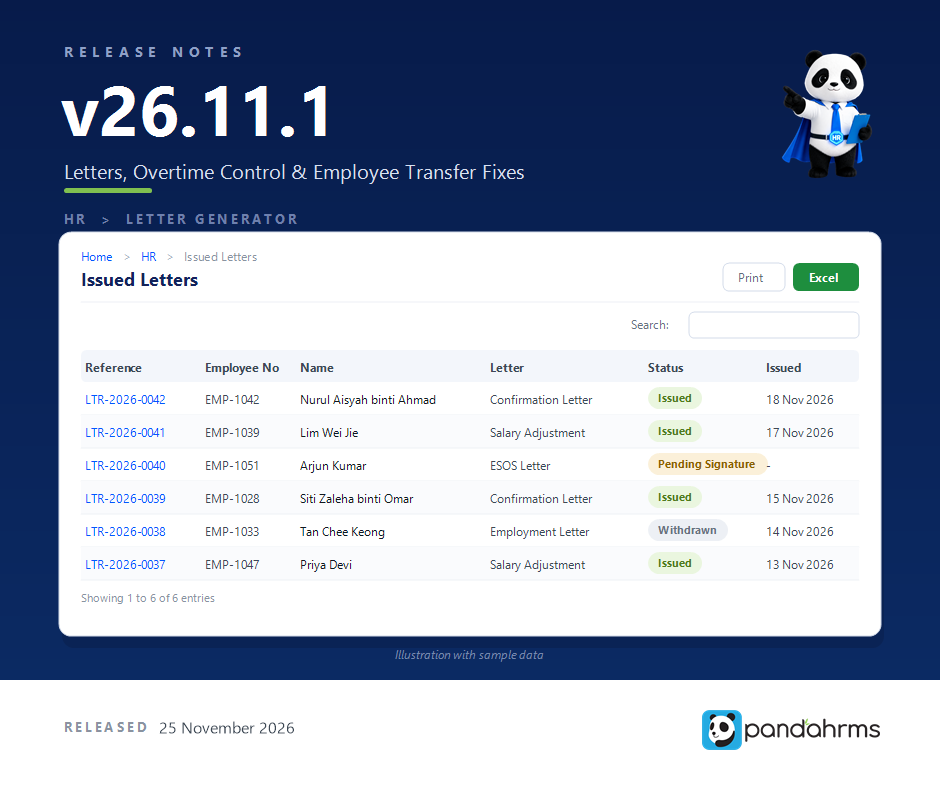
- Managers at Approval level (such as Operations Managers and Area Supervisors) can now view the letters stored in an employee's profile, which previously only admins could open.
- The Lateness Listing (from the Tardiness card on the Dashboard) now shows each employee's Division, which can be searched and is included in the Excel export. Employees with no division still appear.
- A new per-company setting, Mandatory OT Reason, can require a reason on every overtime application. It is off by default, so other companies are unaffected.
Improved
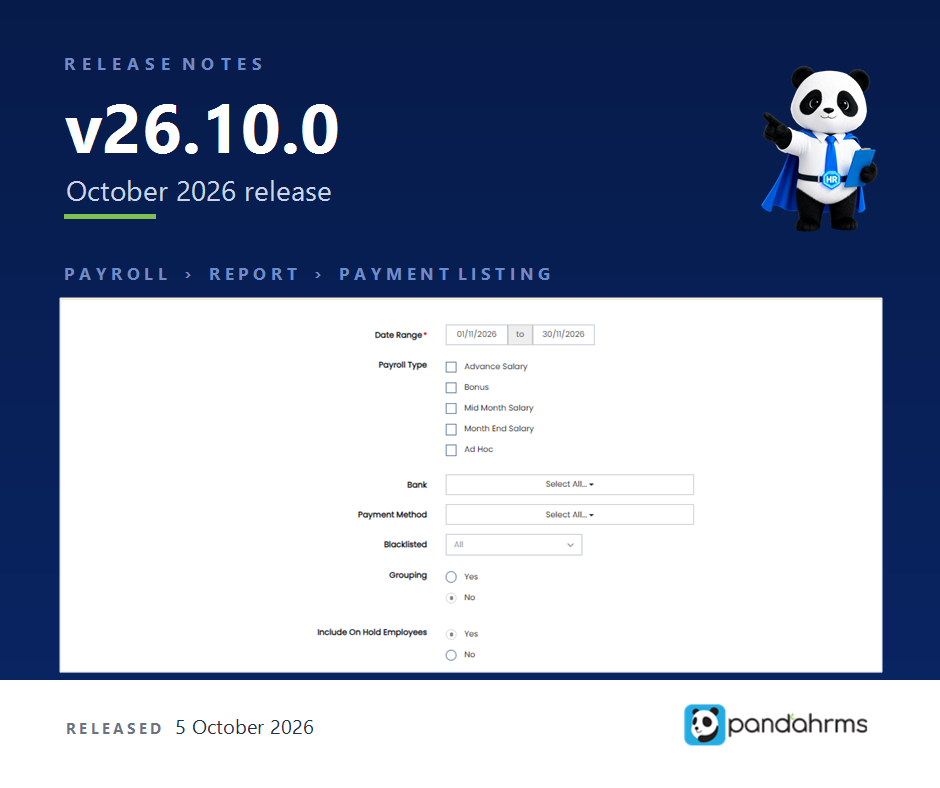
- The Payslip report can now be sorted by Division and Employee Number, and the sorting choice now applies to the V2 payslip formats as well. Employees with no division are printed last.
- The Claim Payment Export Detail file now includes a grouped Summary sheet: claims are grouped by employee and by claim submission, with a subtotal for each submission, a grand total per employee and a batch total at the end. The original detail sheet is kept.
- Sped up the Express Entry Listing Excel export, which previously took about 7 seconds for a month of entries at a large company.
- Sped up printing the Timesheet Listing for a full month across all employees, which previously took around 85 seconds.
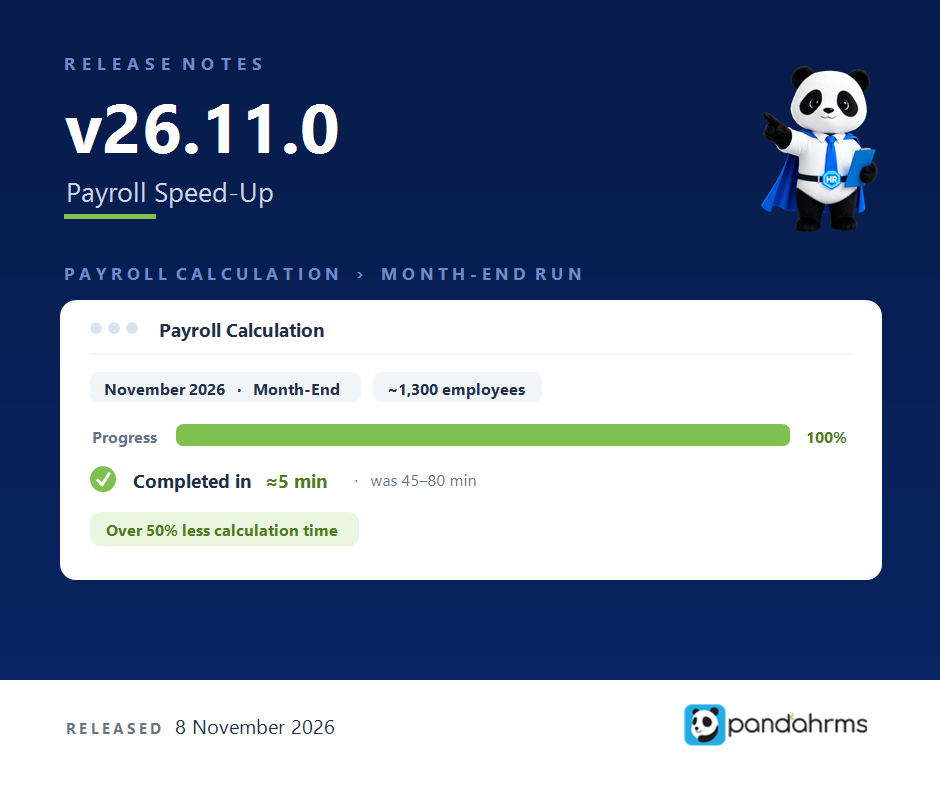
- Sped up payroll calculation for large companies. A month-end run for around 1,300 employees that used to take roughly 45 to 80 minutes now completes much faster.
- A payroll calculation submitted while another is already running now starts right away, instead of waiting for the first one to finish.
- Unpaid Leave days can now be shown in the payslip's leave section. Previously the payslip showed the unpaid-leave deduction but not the number of unpaid days taken.
Fixed
- Fixed the Performance dashboards loading slowly and showing counts that did not match the lists they open, and cards that opened the wrong list or an unfiltered page. Overdue and stuck items now follow one consistent rule, and each card opens the matching filtered list.
- Fixed a 403 error when deleting Time Log data from Upload Clock File. The Delete permission for that screen could not be granted to any access template, including Full Access; it can now be enabled.
- Fixed long-running actions — such as printing CP22A statutory forms or calculating Retropay for many employees — stopping with an Error 524 after about 100 seconds.
- Fixed Retropay not deducting an allowance that was removed from a recalculated timesheet when the same day still had another allowance.
- Fixed the year lists on Performance screens (such as Ratings and the Distribution Guideline) running out of future years or dropping older ones. They now always run from 2024 to seven years ahead and move forward on their own each year.
- Fixed External Transfer In deducting leave already taken in the old company from the new entitlement instead of from the carried-forward balance, which left balances wrong after a transfer.
- Fixed External Transfer In failing with an 'unexpected error', and not completing, when replacement leave taken before the transfer date had used a leave credit that was carried over.
- Fixed approved overtime not appearing in the Timesheet or OT Analysis in some cases. Times captured with seconds could fall just under a whole-hour overtime threshold (for example 3:59:02 instead of 4:00), so the overtime was dropped; this is now handled.
- Fixed the mobile app showing the Staff on Leave calendar to employees even when it was switched off for them in their access template; it now follows the template.
- Fixed duplicate leave-code entitlement records being created for an employee when a profile was added, caused by the leave calculation running twice at the same moment.
- Fixed External Transfer In not carrying over time off taken on a shared leave code before the transfer, so the leave balance now stays correct after the move.
- Fixed the mobile app not offering the Half Day option when applying for Medical Leave, even though Half Day was allowed for that leave type.
- Fixed duplicate attendance records — with the same time and photo — being created when the mobile app re-sent a clock-in after a slow response. Repeated submissions of the same clock-in are now rejected.
- Fixed an employee's benefit balance being wrong after they were transferred between companies and back again, where a claim made before the moves was deducted twice.
- Fixed reconciliation groups not being visible to the HR or Head of Department of the employees' own company in an appraisal cycle shared across companies. Groups are now filed under the staff's company, and a Head of Department with staff in several companies gets one group per company.
- Fixed an evaluator being unable to re-submit an appraisal after a Head of Department sent it back during reconciliation. The appraisal can now be edited and re-submitted, and the person who sent it back is notified by email.
- Fixed the Payroll Express Entry Excel import: re-uploading a corrected file no longer doubles the entries, and the import no longer skips rows it should bring in.